Post & Portfolio widgets
The Themeasy — Post & Portfolio widgets are dynamic: instead of fixed content, they pull live content from your site. Some show a piece of the post being viewed — its title, featured image or comments — and others list posts in a grid, a carousel or the archive loop. That makes them the widgets you build Global Sections with: design the layout once, and it fills itself with the right content wherever it appears.
This category is included with Pro and Agency.
Themeasy — Post & Portfolio
| Widget | What it's for |
|---|---|
| Post Title | The title of the current post or page — or, on an archive, the archive title — with an optional link and text before or after it. |
| Featured Image | The current post's featured image, with an optional caption and a link to the post, a lightbox or a custom URL. |
| Post Meta | The post details you pick and order: date, author, categories, tags, comment count, reading time and more. |
| Post Taxonomy | The current post's categories, tags or custom-taxonomy terms as styled badges. |
| Post Comments | The comment form and the threaded comment list; replies and "load more" work without reloading the page. |
| Author Box | An author profile — avatar, name, bio, social links and recent posts — for the current post's author or a user you choose. |
| Post Navigation | Previous and next post links, optionally with thumbnails and limited to posts that share a category or another taxonomy term. |
| Post Grid | A grid of posts or portfolio items in four item layouts, with column control and optional pagination. |
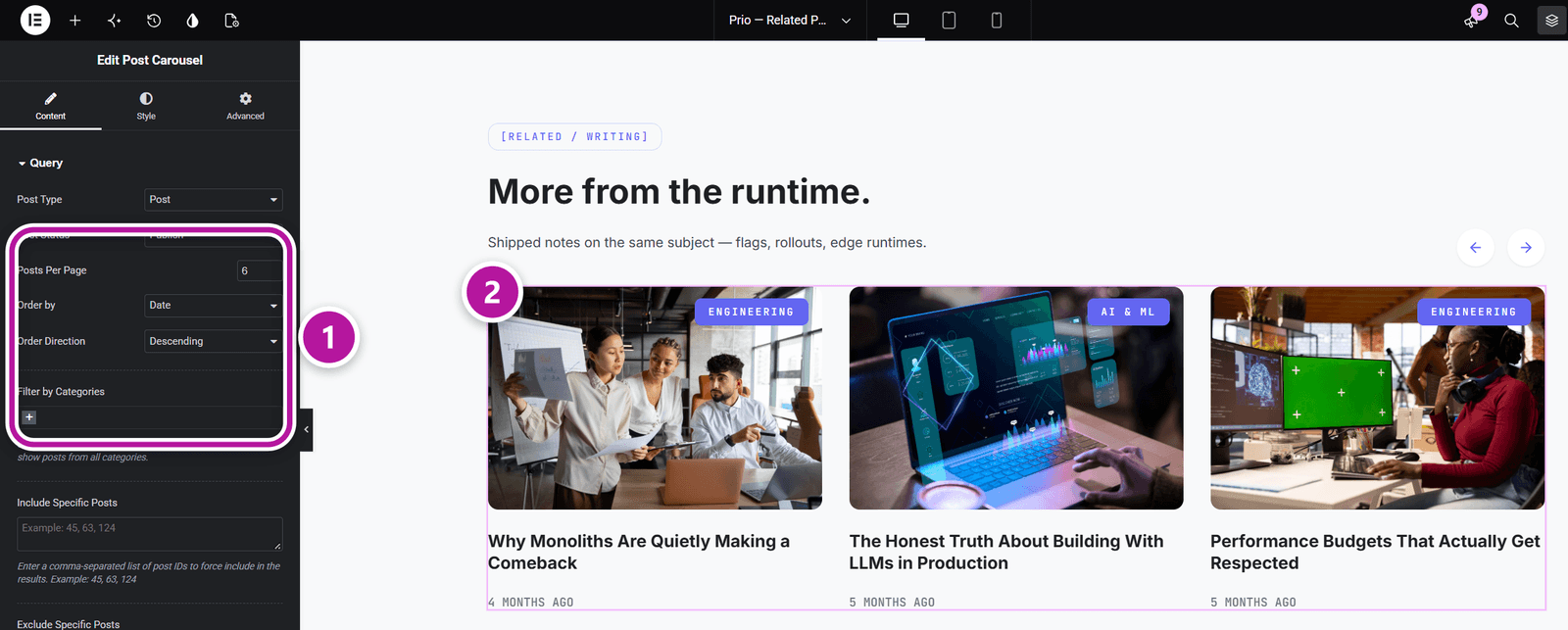
| Post Carousel | A sliding carousel of posts or portfolio items, with arrows and dots. |
| Archive Results | The main loop of the blog index, of category, tag and author archives and of search results, as a card grid. |
Two widgets from other categories are listed at the end of this one, so they're at hand on regular pages:
| Widget | What it's for |
|---|---|
| Breadcrumbs | A breadcrumb trail built from the current page. It belongs to Site Utilities — see Content & site widgets. |
| Category List | A list of categorized links, entered by hand or pulled from a taxonomy. It belongs to the Megamenu category — see Mega Menu widgets. |
Use them in Global Sections
A widget such as Post Title, Featured Image, Post Meta or Post Comments reads from whatever post is on screen, so one section serves every post:
- In a Post or Page section, combine them to replace the entry header, the featured image, the entry footer or the comments.
- In an Archive section, drop in Archive Results to control how your blog index, archives and search results look.
See Section types and the areas they replace for the areas you can override.
Tip
A section has no post of its own, so in the editor these widgets preview with sample content — enough to style them. Several of them (Post Title, Featured Image, Post Taxonomy and Post Comments) can also point at a specific post instead of the current one.
Where to go next
Head back to Themeasy widgets for Elementor, or see the WooCommerce widgets for stores. To place dynamic widgets inside reusable blocks, start with Global Sections.
Was this article helpful?